3DS Emulator Guides
Practical articles on downloading Azahar, installing it on Windows, macOS and Android, preparing your own games and fixing slow performance.
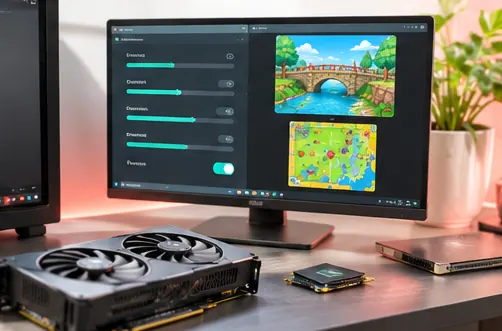
3DS Emulator Download & Installation Guide
3DS Emulator download guide for Azahar: official installers, which file fits Windows, macOS, Linux or Android, and how to stay safe.
Read article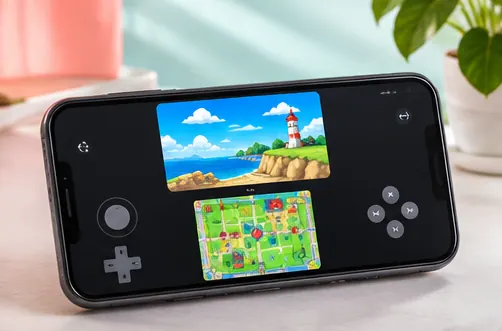
3DS Emulator Setup for Android
3DS Emulator Android setup with Azahar: requirements, first launch, screen layouts, touch controls, per-game settings and tips for smoother play.
Read article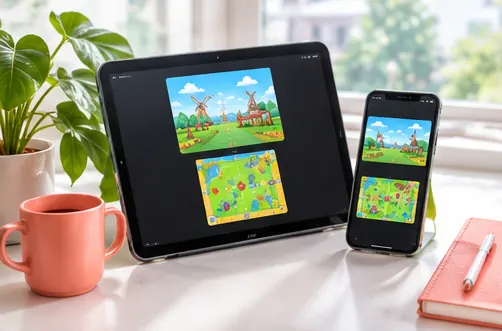
3DS Emulator for iOS: What to Know
3DS Emulator iOS status explained: whether Azahar has an iPhone or iPad app, how the libretro core fits in, JIT limits and safe options.
Read article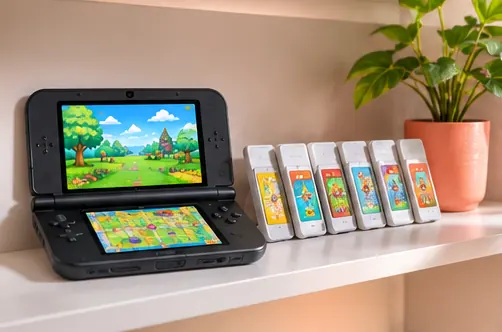
3DS Emulator Games & Supported Formats
3DS Emulator games guide for Azahar: legal dumping, supported decrypted formats, why .3ds files fail, compression, system files and Artic Base.
Read article
Best 3DS Emulator Settings for PC
3DS Emulator PC settings explained for Azahar: renderer choice, internal resolution, shader cache, screen layouts, controllers and save states.
Read article
3DS Emulator APK: Android Install Guide
3DS Emulator Android APK guide: Azahar's Vanilla APK vs the Google Play build, Obtainium updates, safe installation and switching between them.
Read article
Install 3DS Emulator on Windows
3DS Emulator Windows installation with Azahar: installer vs zip, MSVC vs MXE builds, first launch, controllers, updates and common fixes.
Read article
3DS Emulator for macOS: Setup Guide
3DS Emulator Mac setup with Azahar: universal vs arm64 vs x86_64 builds, first launch on macOS, Gatekeeper prompts, controllers and settings.
Read article
Fix Slow 3DS Emulator Performance
3DS Emulator running slow? Practical Azahar fixes: renderer, resolution, shader cache, JIT, right eye rendering, Android drivers and thermal limits.
Read article